On Workstations it is necessary to activate the UAC feature to perform the password change. To do this, perform the following steps:
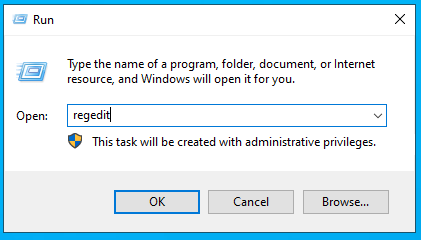
1. Click Start → Run, type ‘regedit’ and press Enter
2. Locate and click on the following registry subkey.
HKEY_LOCAL_MACHINE\SOFTWARE\Microsoft\Windows\CurrentVersion\Policies\System
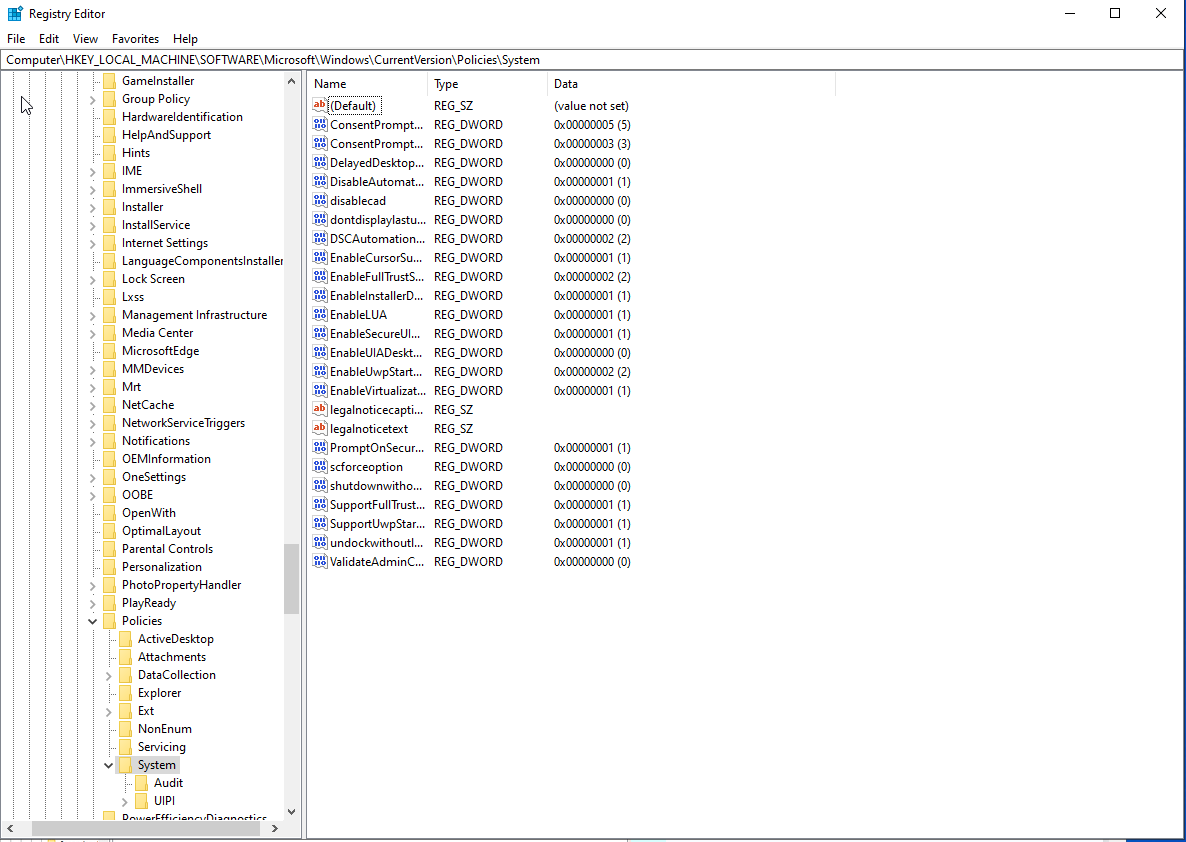
3. If the LocalAccountTokenFilterPolicy record does not exist, follow these steps:
3.1 In the Edit option select New → DWORD Value.
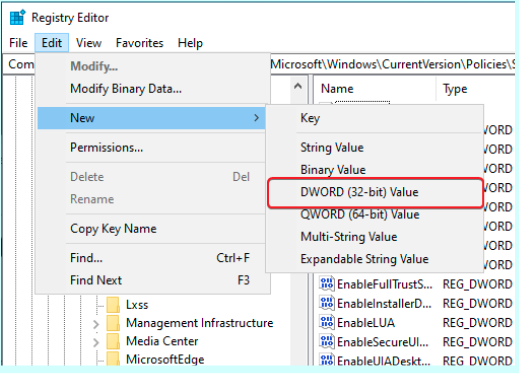
3.2 Type LocalAccountTokenFilterPolicy and press Enter.

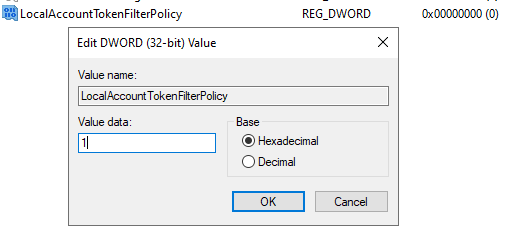
4. Right-click LocalAccountTokenFilterPolicy and select Modify.
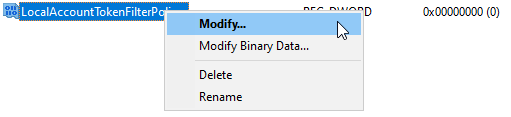
5. In the Value box, type 1 to enable logging and click OK.