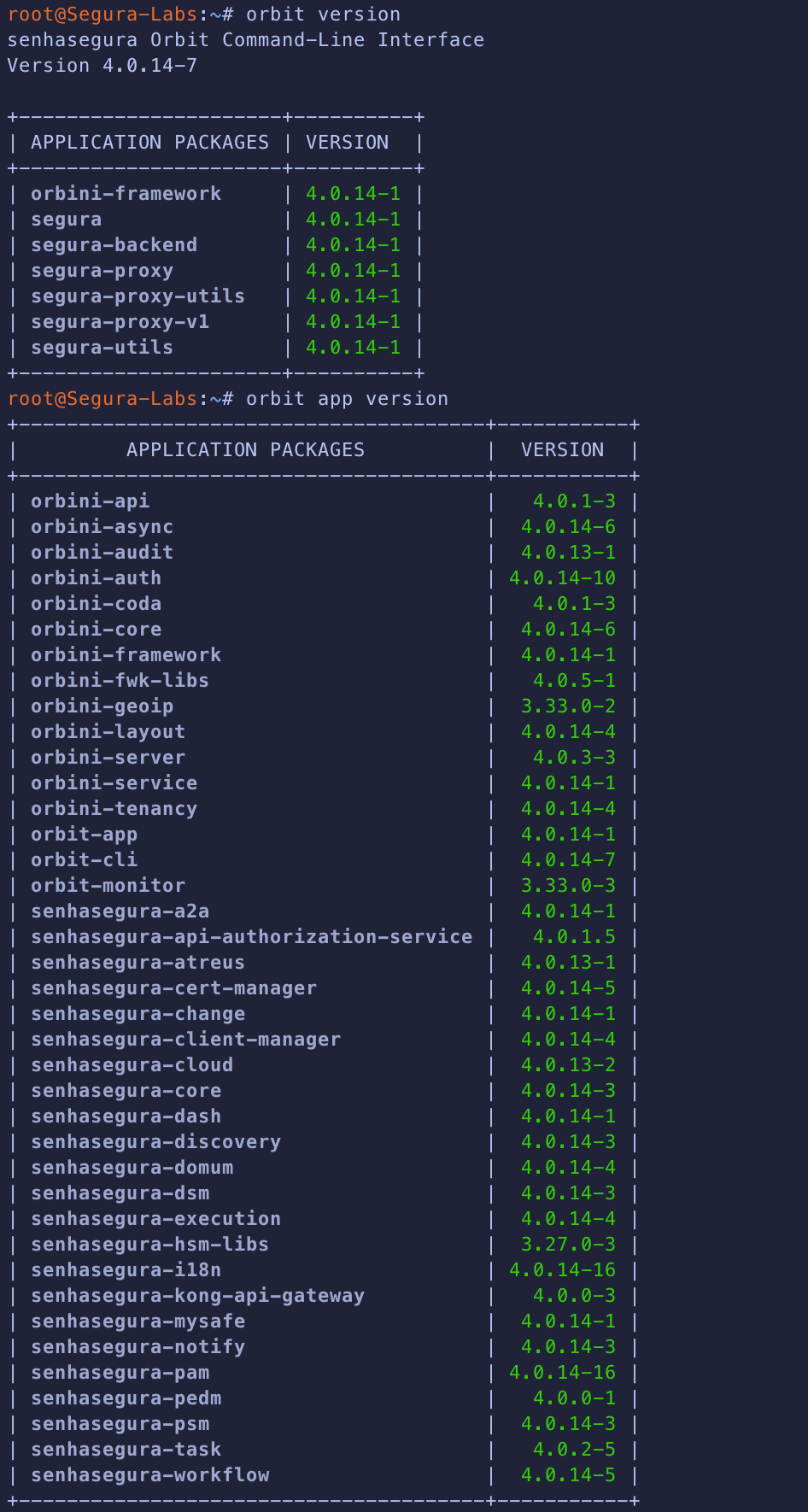
I would like to report an issue that we are currently experiencing with our Segura PAM implementation.
Issue Description:
We have identified that some specific devices cannot be disabled through Segura PAM. However, other devices can be disabled normally without any issues.
This behavior consistently occurs on the same devices, even after multiple attempts.
Issue Details:
Action: Disable device via Segura PAM
Result on some devices: Failed / error occurs
Result on other devices: Successful (working as expected)
Error Message:
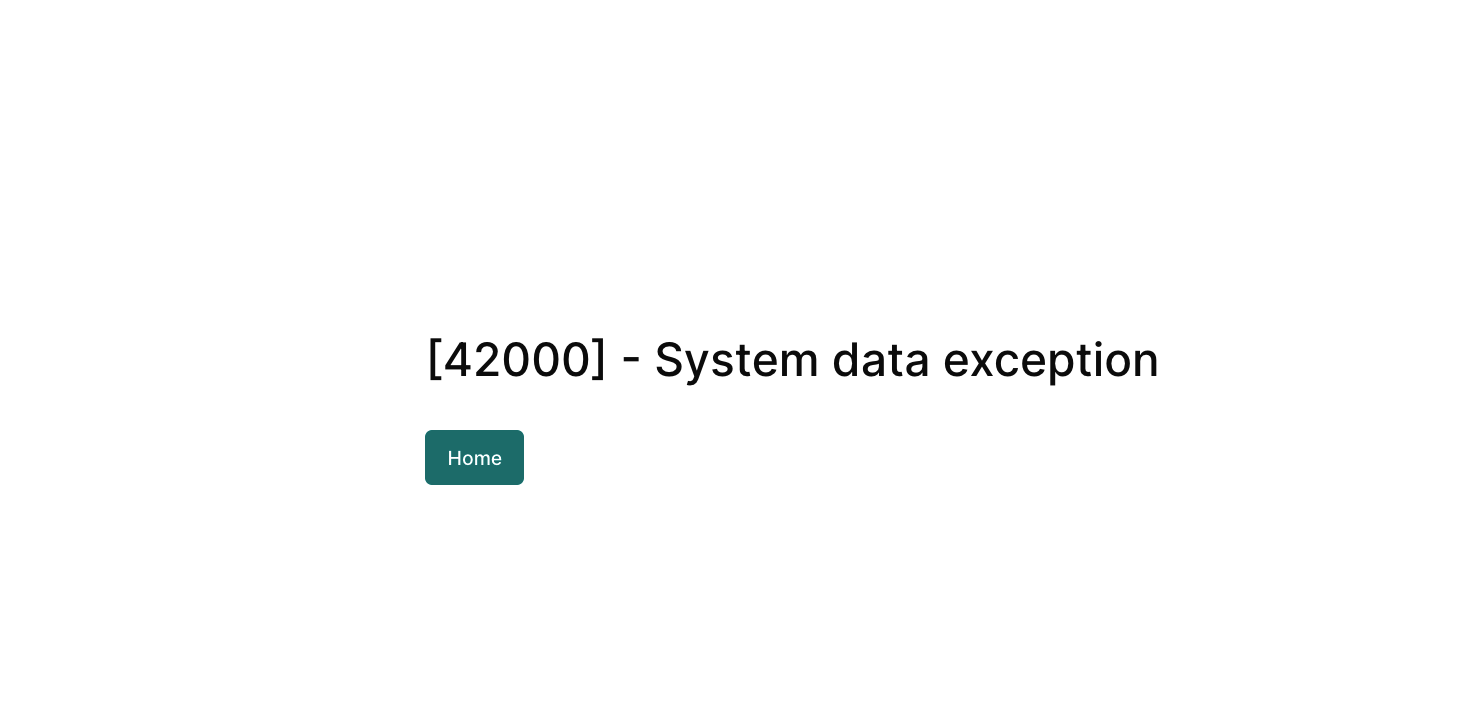
When attempting to disable the affected devices, an error message is displayed. Please refer to the attached screenshots for detailed error information.
Thank you for contacting us about the issue you’re experiencing.
For this type of issue, the best way to handle it is through a ticket, as more details and specific information about the environment are usually required so we can better understand the situation and propose the most appropriate solution.
To provide you with the best service and ensure a thorough analysis of the issue, we kindly ask that you open a ticket on our platform.
Whether this is a known issue
No bug has been identified disabling specific devices on any version as far as I’m aware.
Possible root causes (e.g., device configuration, permissions, or version-related bugs)
Given that this is your lab, I can try and help you through here.
Possible root causes:
The vault uses cryptographic keys for every device and credential in the vault. If you have a lab environment which you do not take proper care, eg, it remains shutdown for long time, a forced reboot is performed or if the device is very old and no one uses it and you update the PAM, sync it with other nodes, those keys can be lost and corrupt database operations;
The user you are using to disable the devices does not have the necessary permissions or roles;
You experimented too much with your lab and performed some irreversible bulk operation or batch import that somehow blocked the device from being edited;
Recommended troubleshooting steps or solutions
Since this is your lab environment and considering the amount of affected devices are small, change all of their data to random data and register new ones with the correct information, as troubleshooting any further is usually not worth it for a lab!