PERMISSION DENIED SCP
On versions 4.0.16-12 and above, SCP is blocked by default on port 59022.
If a file transfer is to be performed, permission denied will be returned after attempting to authenticate!
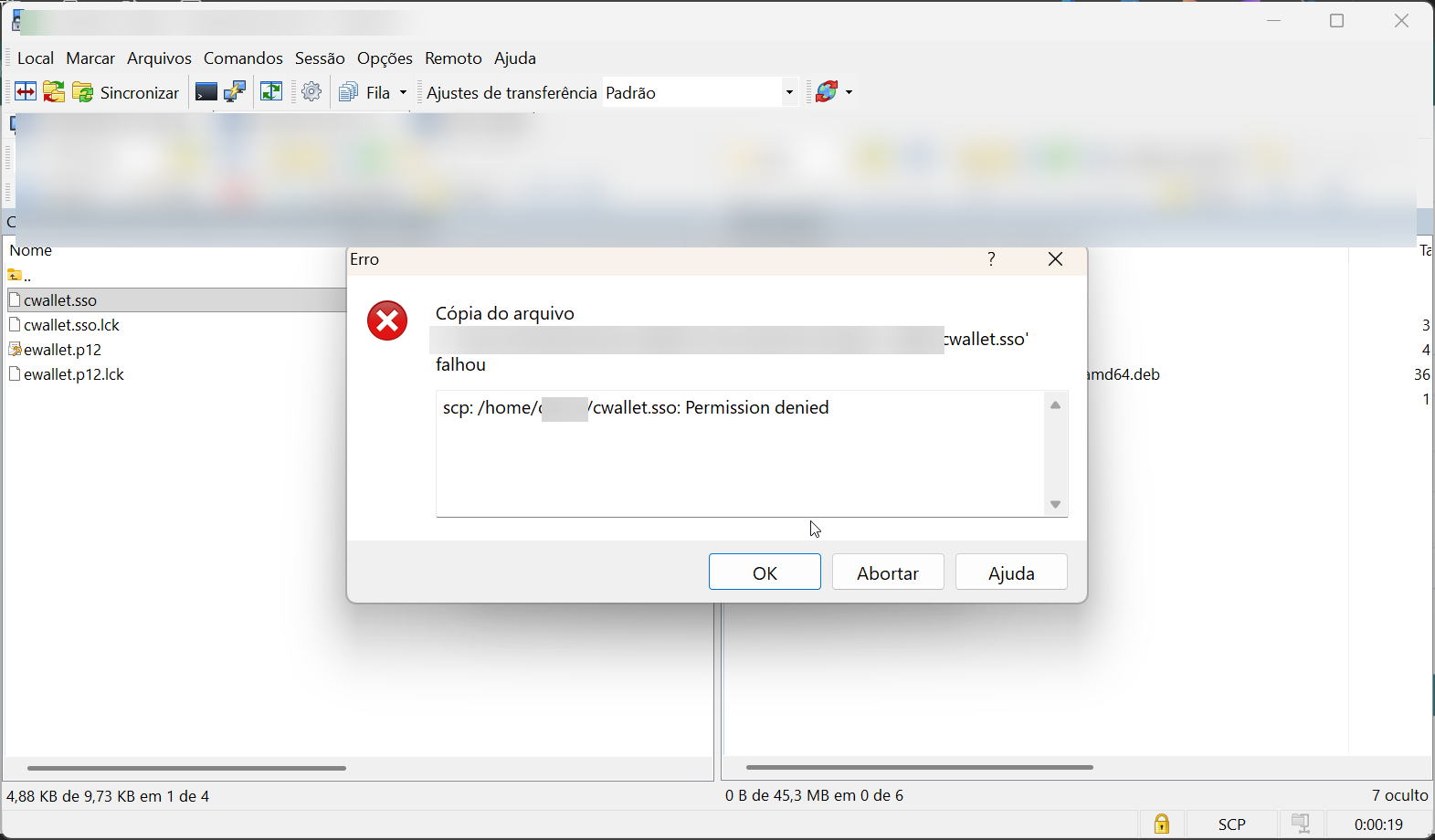
In order to enable SCP and transfer files, use the command below using the mt4adm user on port 59022:
orbit support scp allow
After the enable, the permission denied will not occur and the file will transfer as expected.
Full help command:
>>orbit support scp --help
Usage: orbit support scp <command>

Manage the SCP usage in Segura Instance

Commands:
  support scp allow    Allow SCP with AppArmor profile
  support scp deny     Deny SCP with AppArmor profile

Flags:
  -h, --help    Show context-sensitive help.