Hello,
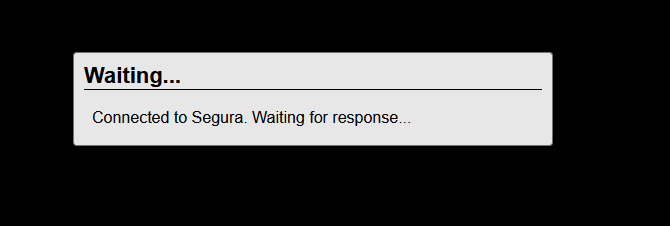
I am receiving error 500 when trying to connect to a windows remote machine via PAM Core web.
Can you please explain how to fix it?
Hello,
I am receiving error 500 when trying to connect to a windows remote machine via PAM Core web.
Can you please explain how to fix it?
Hello, does this issue appear after performing the upgrade?
Yes. After Install PAM Core, I immediately upgrade the system.
try the following commands:
orbit api keygen (primary)
normalize-db (all instances)
I used both commands, but I’m still getting the same error. I’ll restart the machine now and share the result.
Also before I received this error, previously I was receiving message
P.S. By the way, is this behavior normal in the new version? After upgrading (clean install), I’ve noticed similar errors appearing in several menus and actions. On v3.33 I didn’t see these errors.
Please execute the following command also before performing the reboot: orbit app init (all instances)
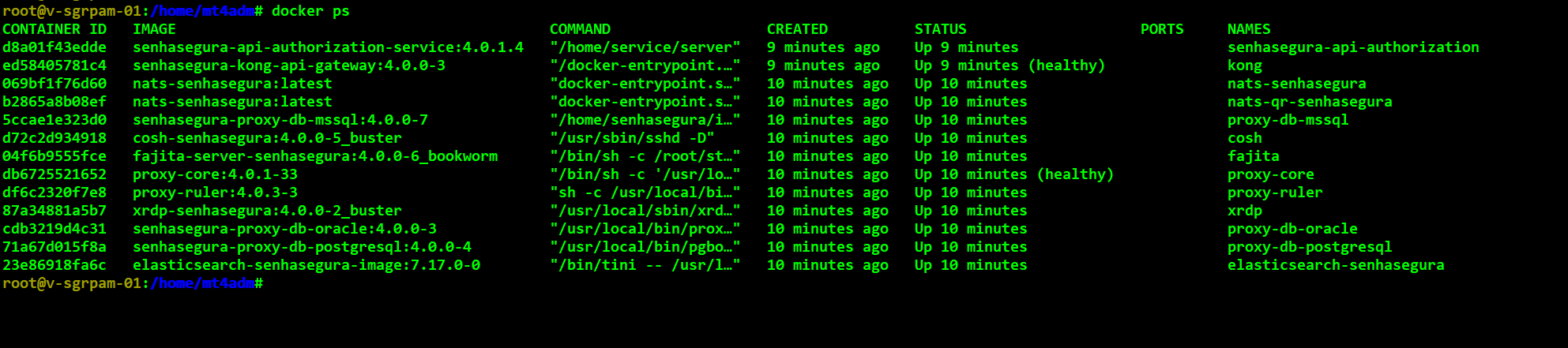
Could you please share the output of docker ps ?
try to execute the following command: orbit proxy shift v1
Great, It is working now!
Can you please explain what each command does and when I should use them? I just want to understand better for the future, so I’ll know in which situations they are needed.
From what I understood from the Segura support analyst, the proxy issue happens because two proxy containers (proxy-core… and fajita-server…) were running at the same time. They said this will be fixed in a future release.
About the system error 500, I’m not sure what causes it. After the upgrade, if you run these commands, the issue should be resolved. However, I’m not certain this is the recommended approach for this issue. Executing them worked in my experience, but I suggest confirming with the support team. I’m just sharing what I encountered
Thank you for your help!
Welcome  !
!
Hello,
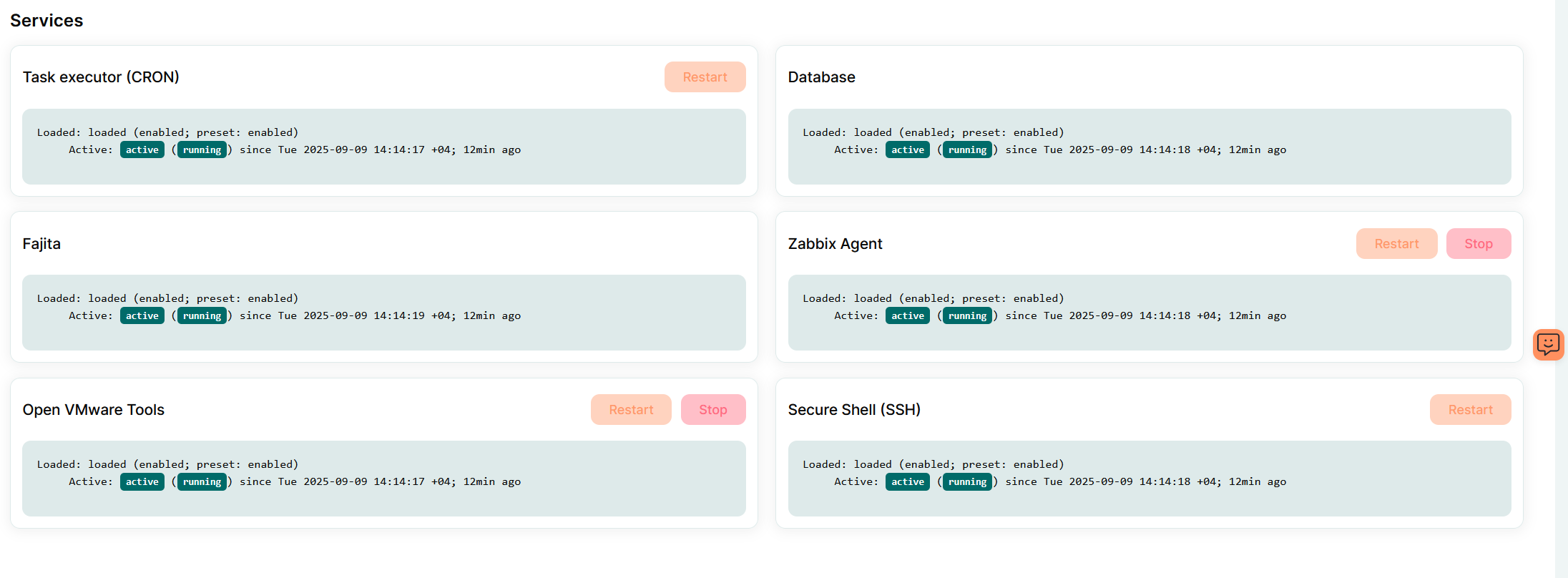
In some cases, these commands may not resolve the issue. If the problem persists, you will need to restart the Web Proxy .
Please refer to the following article for detailed steps: