We are configuring Auto Password Change in senhasegura PAM using LDAP for a Windows device. When attempting to auto-rotate the password, we receive the following error:
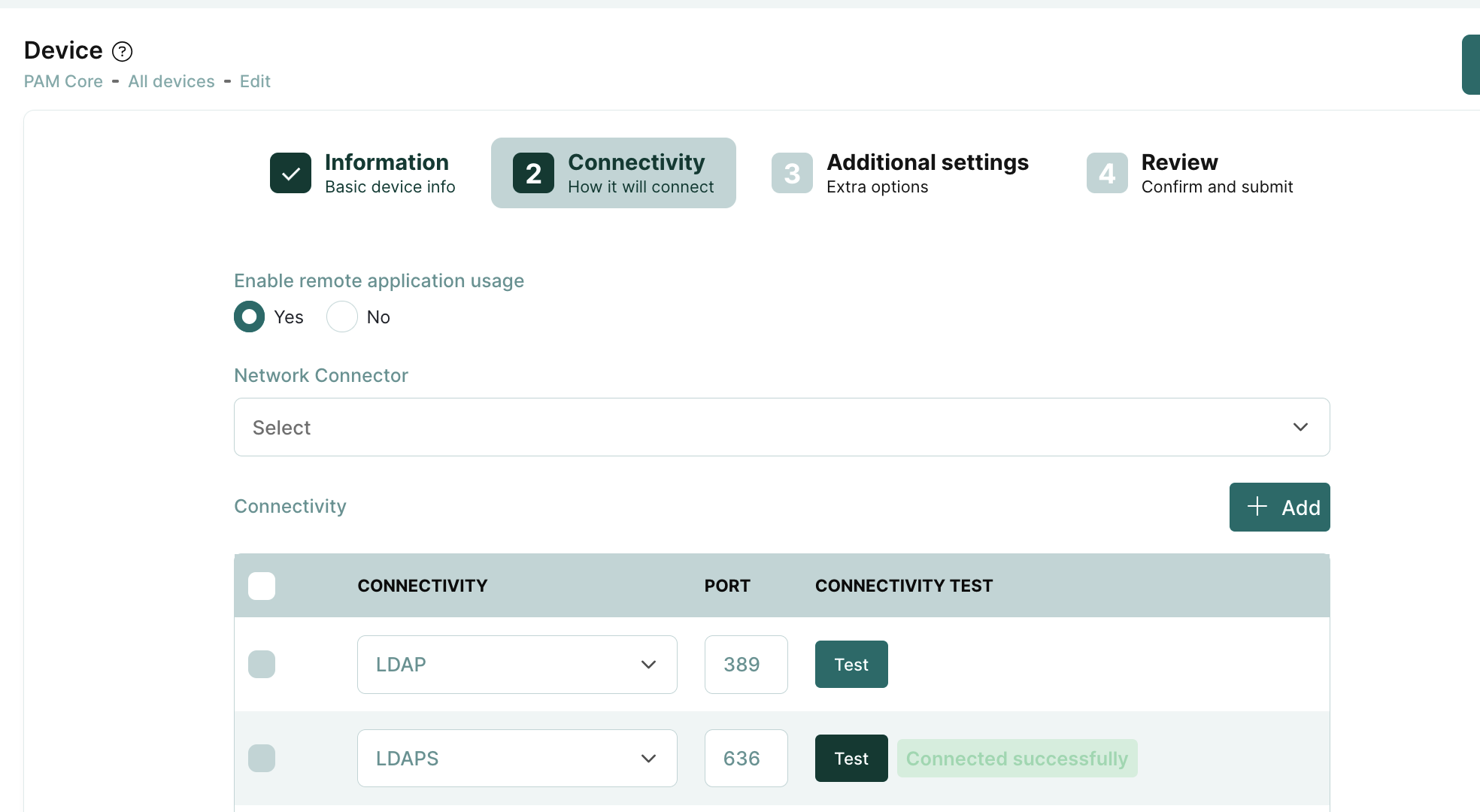
Device 'Machine_A (IP_ADDRESS)' does not have LDAP connectivity.
Steps already taken:
Verified LDAP connectivity independently by successfully changing our own password via LDAP directly from Machine_A.
Confirmed the account exists and is reachable in the directory outside of Segura.
Hello,
Are you trying to change the password for an Active Directory user or a local Windows user?
If it is an Active Directory user: The domain device usually should have LDAP/S connectivity registered (see screenshot 1). In newer versions of Active Directory, the connection must be encrypted, preferably using LDAPS.
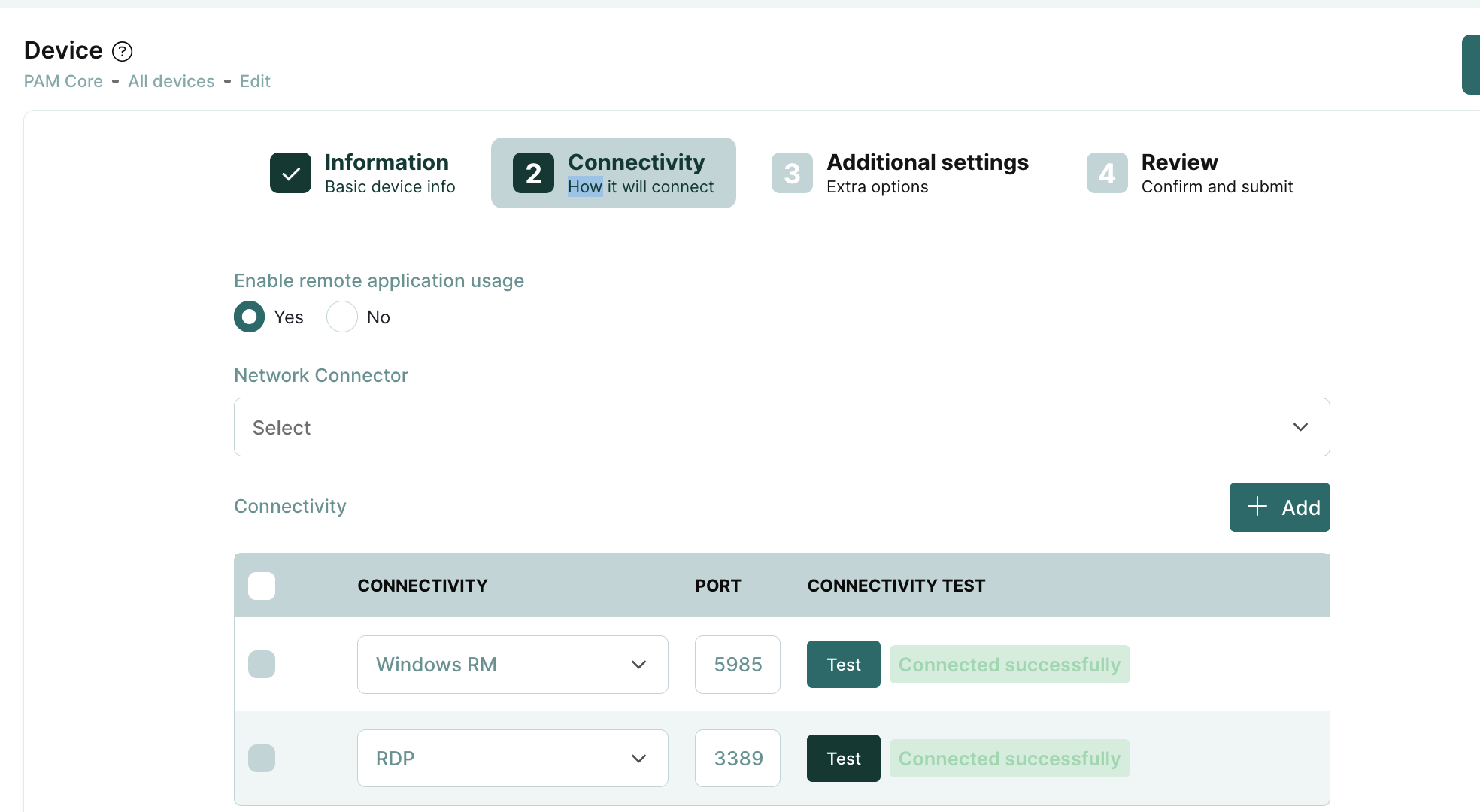
For a local Windows user: Password changes are usually made via WinRM (HTTP (5985) or HTTPS (5986)) or RPC. This also has to be configured on the relevant device.
Unfortunately, the official documentation (see “Executions” et seq.) is sometimes a bit lacking in my opinion, but you can usually find some good guides and troubleshooting tips using the forum search here.